Choose a pouch date-coding printer around the surface it will actually print, the motion available at that station and the code that must remain readable on the finished pack. A sharp sample on flat film does not establish correct batch data, reliable placement on a filled pouch or rejection of an incorrectly coded pack.
This guide is for buyers specifying date and batch coding within a sachet or pouch packaging project. It separates variable-data coding from full-color pouch artwork, then provides a practical code-window and acceptance checklist. It is not a catalogue of standalone INMAYPACK printers or a report of a completed coding installation.
Separate pouch artwork from production coding
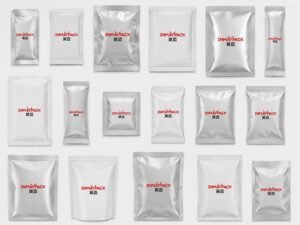
A search for a stand-up pouch printer can describe different purchases. Printing brand graphics across the pouch, adding a label and applying variable production data are not interchangeable tasks. First identify which information is already on the purchased material and which information must change at the packaging line.
- Converted artwork: graphics and fixed text supplied on the roll film or premade pouch.
- Variable coding: approved lot, batch, date or other production information applied during the run.
- Labels: a separate label and application process, with its own position, adhesion and inspection requirements.
Provide the approved message rather than asking the equipment supplier to decide its meaning. The product owner should define the required fields, date convention, language, data source and release rules. This guide does not determine a product's shelf life or prescribe market-specific label wording.
Keep the converter's artwork and web specification in the HFFS film specification. A coding brief should reference that controlled drawing, not replace it with an unscaled photograph.
Map the code window at three production states
The blank patch in an artwork file is only the starting point. Show where the printer can reach the surface, where it can be supported and where the code finishes after forming, filling and sealing. Use the same pouch drawing revision for the film converter, packaging-machine supplier and coding supplier.
- At printing: mark the available flat or supported area, travel direction, presentation tolerance and nearby rollers, clamps or tooling.
- After filling and sealing: check whether product bulging, a fold, zipper, spout or seal changes visibility or access to the mark.
- At inspection and handling: show the camera or reader view and the surfaces that can rub, cover or distort the code.
Record the permitted code envelope on the drawing, with its position referenced to a repeatable package feature. Reserve room for the longest approved message, not only the shortest trial batch. For a machine-readable symbol, let the applicable code specification and verification method define the required clear area; do not choose a universal margin by guesswork.
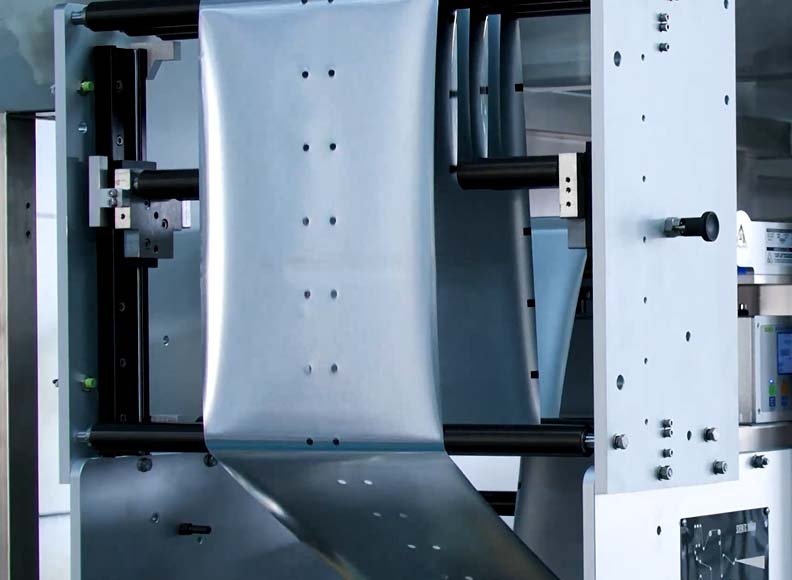
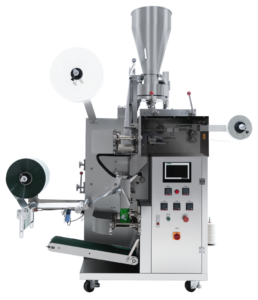
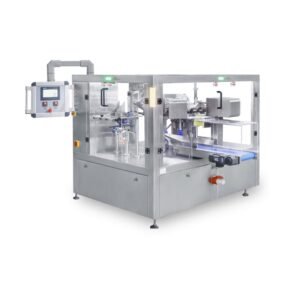
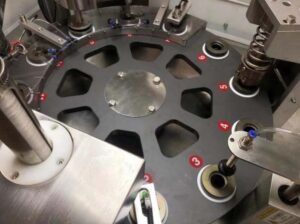
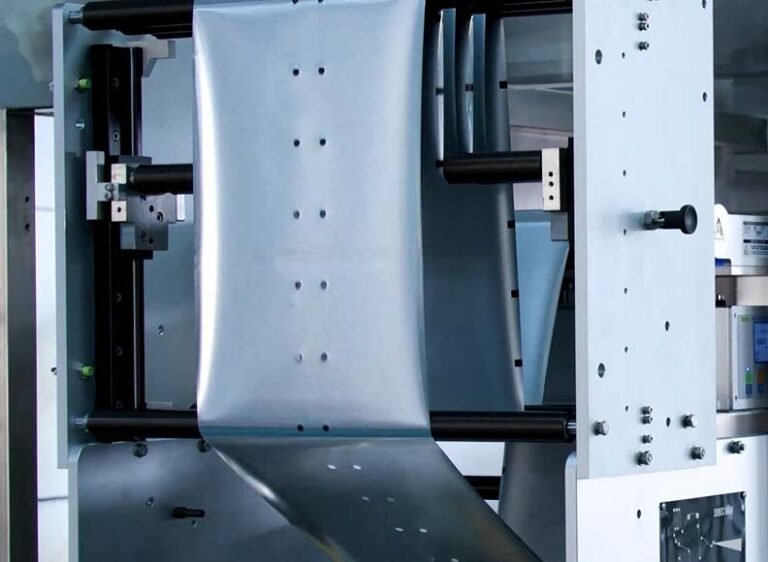
On roll-stock equipment, compare a flat-web position with what happens to that area during forming. On premade-pouch equipment, review the pouch's presentation before filling and its shape afterwards. The premade pouch machine range establishes the package-handling route; it does not by itself specify the printer mounting or printability of every pouch.
Procurement check: approve a marked finished pack alongside the flat-material sample. If the code is readable before filling but hidden by the finished gusset, the print sample has passed the wrong test.
Compare coding methods on the actual material
Videojet's flexible-film guidance describes thermal transfer overprinting for variable information on film and continuous inkjet options before or after package forming. These are candidate technologies, not proof that a particular printer is compatible with your laminate or machine.
On a narrow screen, scroll the comparison horizontally. The checks below are proposed purchasing questions, not universal acceptance limits.
| Candidate method | Main selection question | Evidence to request |
|---|---|---|
| Thermal transfer overprinting (TTO) | Can the film be supported and presented correctly for the selected printhead and ribbon? | Actual material/ribbon trial, usable print area and clearance from folds or closures. |
| Continuous or thermal inkjet | Can the installed arrangement maintain a suitable print position and ink/material match? | Sample adhesion and rub results, drying conditions, print distance and production-event checks. |
| Laser marking | Is the exact material structure suitable for the chosen marking process? | Supplier material trial, assessment of package integrity and the proposed guarding/extraction scope. |
| Print-and-apply label | Is a label needed, and can it be applied and retained at the intended position? | Label/substrate trial, placement consistency, handling durability and label verification. |
Do not select by nominal printer speed alone. Ask for the complete message at the required production rate and motion profile. Include the available print time, path length, print repetition across lanes and the number of packs that must be coded per machine cycle. Different technologies need different installation conditions; the proposal should identify those conditions explicitly.
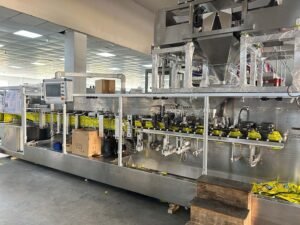
For small portions, use the sachet packing machine range to establish the pack format and lane arrangement before specifying the coding task. A single satisfactory mark does not demonstrate that every active lane receives the correct mark.
Control the message separately from print placement
Two different errors can look similar on the reject tray: the right message printed badly, or a perfectly legible wrong message. Keep content approval separate from placement and print-quality checks. Domino's food coding overview distinguishes message automation, coding and code validation; your specification should likewise identify which functions are included rather than treating a printer as the entire control system.
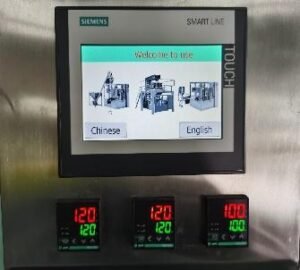
Specify who releases the message, how the selected product recipe is matched to it and what happens when communication or printing is unavailable. Challenge a change to the batch, product or shift information and confirm which data source is authoritative. Include any date rollover that the approved message requires.
Then follow a physical pack from trigger to inspection to disposition. If a camera reports a missing or wrong code, define how that exact pack is stopped, rejected or held. Record the treatment of packs between the printer and inspection point after a fault or restart. A printer-ready signal is not a readable-code check, and readable text is not necessarily the correct product or batch.
Keep the two registration problems separate. An eye mark can align artwork to forming or cutting without checking the variable date text. Use the HFFS pouch registration guide for web and cut-position faults; use the coding trial for message, placement and inspection faults.
Accept the code on finished packs and production events
Agree the trial matrix before requesting a demonstration. Use production material, the intended message family and representative filled packs. Define the inspection method, sample plan and acceptance limits with the buyer's quality team and the coding supplier; the matrix below deliberately does not invent universal numerical tolerances.
| Trial condition | Inspect or challenge | Retain as evidence |
|---|---|---|
| First-off and steady production | Message correctness, position, legibility and any specified machine-readable code check, for every active lane. | Approved message version, machine recipe, material lot and identified pack samples. |
| Filling, closing and handling | Visibility after pouch deformation; damage or smearing after representative contact and handling. | Paired samples before and after the agreed handling exposure, with test conditions. |
| Stop, restart and material change | First packs after restart, a splice or replenishment, as applicable to the equipment. | Event log, affected-pack boundaries and release or rejection records. |
| Wrong message or missing print | Detection, operator response and actual containment of the affected physical pack. | Controlled challenge record and confirmation that trial rejects stayed out of released product. |
| Product or batch change | Recipe/message agreement, old-material clearance and first-off approval. | Change record, approved new code and disposition of remaining old-code packs. |
Test relevant surface conditions instead of adding generic claims such as “waterproof” or “permanent.” If the actual process involves cold storage, condensation or repeated rubbing, include the agreed exposure and inspect afterwards. A successful ambient sample cannot be extended to untested conditions.
When a code fails, record whether the problem is missing data, wrong content, poor adhesion, unstable presentation, incorrect timing or an inspection/reject mismatch. Change one controlled factor at a time. Preserve both failed and accepted samples so that an apparently better print does not conceal a remaining message or tracking problem.
Compare a complete coding station, not just a printer price
A coding proposal should identify the printer, mount or traverse, support surface, sensors, controller interface, consumables and access for service. State whether code inspection, reject hardware, reject confirmation and message-management software are included, supplied by another party or excluded.
Use the packaging system integration checklist to assign ownership of each signal and physical handoff. Ask who validates the print during the machine trial and who supports the coding component after handover. Naming a printer brand alone does not settle those responsibilities.
- Identify the approved packaging material and the consumable specification for the selected technology.
- List the recurring items, maintenance tasks and service access needed for the planned run schedule.
- Include the longest message, all pack sizes and all lanes in the demonstration scope.
- Retain approved settings, message templates, sample records and the process for authorizing later changes.
No universal printer price, ink life, ribbon yield or line-speed improvement is quoted here. Compare offers on the same material, message, production conditions and inspection responsibility. INMAYPACK can review the coding requirement as part of a packaging-machine inquiry; the proposed equipment and supplier responsibilities must be confirmed for that project.
Questions to resolve before ordering
Can the printer that makes pouch graphics also add the batch date?
Possibly, but do not assume the processes are the same. Confirm when each field becomes known and whether it changes during production. The purchased material may contain fixed artwork while a separate coding station applies the approved variable information.
Should the code be printed before or after filling?
Compare access, surface support and the final code location. Flat-web or empty-pouch printing can offer a different presentation from a filled pouch. Approve the chosen location using finished-pack samples, actual motion and any required inspection.
Does a camera reading the code prove that the batch is correct?
Not by itself. Define whether the system checks presence, reads characters or compares the result with approved data. Confirm how a failed result is tied to the correct physical pack and what happens when the inspection system cannot make a reliable decision.
Can one accepted film trial cover a later laminate change?
Not automatically. A new surface coating, structure, supplier or pouch geometry may change print adhesion, contrast or presentation. Record which changes require a new sample review and trial before production release.
Send a pouch coding brief with the machine inquiry
Share the pouch drawing and material, approved message, fill condition, required output, lane count, preferred coding stage and inspection expectations. Include an existing code sample or photographs of the problem when available.